What Makes a Browser Suitable for the Dark Web
A dark web browser does more than hide your IP address. It routes your traffic through multiple relays, strips identifying headers from requests, and disables plugins that could leak your real location. Standard browsers like Chrome or Firefox send data that can be traced back to you, even over a VPN. Dark web browsers are built from the ground up to prevent fingerprinting, which is a technique that identifies you based on your browser settings, screen resolution, and installed fonts. The Tor Project, which maintains Tor Browser, publishes detailed documentation on how these protections work and why they matter for anyone accessing hidden services or onion links.
Tor Browser: The Standard Choice
Tor Browser is the most widely used tool for accessing the dark web. It is based on Firefox and includes the Tor network client, meaning you do not need to install anything separately. When you open Tor Browser and visit an onion site, your connection bounces through at least three Tor relays before reaching the destination, and the exit relay cannot see your real IP. Tor Browser also disables JavaScript by default to prevent certain attacks, blocks plugins, and clears your browsing history on exit. The browser receives regular security updates from the Tor Project. For most users, Tor Browser is sufficient for accessing dark web email services, forums, and news sites. However, it does not isolate your operating system from the network, so malware on your computer could still compromise your identity.
Tails: Operating System Approach to Anonymity
Tails is a live operating system that boots from a USB drive or DVD and routes all traffic through Tor by default. Unlike Tor Browser alone, Tails isolates your entire system from your regular computer. Every application on Tails, from the email client to the file manager, sends traffic through Tor. If malware somehow infects Tails during a session, it cannot persist after you shut down and remove the USB drive. Tails also includes encrypted storage, a password manager, and PGP tools for secure communication. The trade-off is that Tails requires more technical setup and runs slower than a native operating system because it is booting from removable media. Tails is favored by journalists, activists, and security researchers who handle sensitive information and need protection against sophisticated adversaries.
Whonix: Virtual Machine Isolation
Whonix is a pair of virtual machines designed to separate your identity from your activity. One machine, the Gateway, routes all traffic through Tor. The other, the Workstation, runs your applications and cannot access the internet except through the Gateway. This architecture means that even if malware compromises the Workstation, it cannot reveal your real IP address because it has no direct route to the network. Whonix runs on VirtualBox or KVM and can be used on Windows, macOS, or Linux. The setup is more complex than Tor Browser but less demanding than Tails because you are not booting a separate operating system. Whonix is popular among users who want to run a persistent system with multiple applications while maintaining strong isolation. The Whonix documentation includes guides for accessing dark web combo lists and onion site directories safely.
Reality Layer: How Browsers Fail and What Law Enforcement Knows
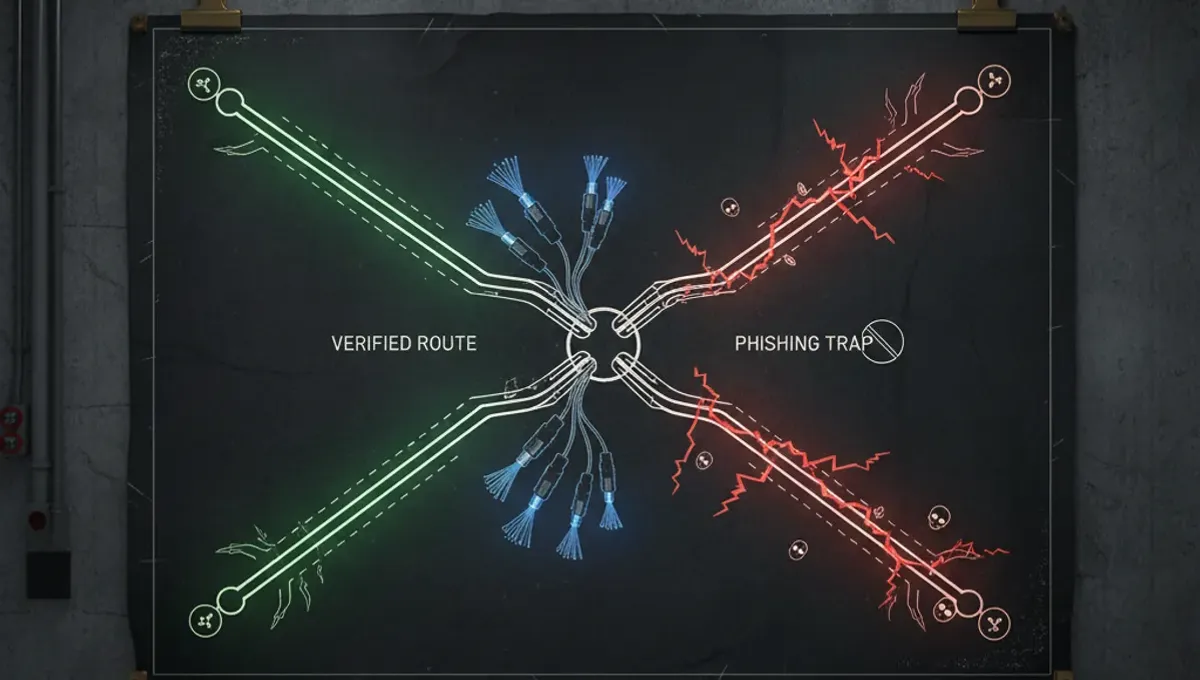
Tor Browser protects against network-level surveillance, but it does not protect against user behavior. Court records and law-enforcement press releases show that most dark web arrests result from operational security mistakes, not browser vulnerabilities. Users who maximize their windows to full screen, use plugins, or visit clearnet sites in the same browser session can be deanonymized through browser fingerprinting. Academic research on onion services published by security vendors demonstrates that exit nodes can be monitored or run by adversaries, and JavaScript exploits have historically allowed attackers to determine real IPs. The Tor Project publishes security advisories when vulnerabilities are discovered. For readers, this means that choosing the right browser is necessary but not sufficient. Your behavior, your operating system security, and your network configuration matter equally. A dark web domain list or dark web hackers list found online may contain phishing clones designed to steal credentials, so verification through PGP-signed announcements is essential.
Comparing Browsers by Threat Model
Your choice of browser depends on what you are protecting against. If you want to read news or access forums anonymously, Tor Browser is adequate. If you fear that your computer is already compromised or you handle documents that could identify you, Tails is safer because it leaves no trace on your hard drive. If you need a persistent system with multiple applications and strong isolation, Whonix offers a middle ground. Consider these factors when deciding:
- Ease of setup: Tor Browser is fastest; Tails requires USB preparation; Whonix requires virtual machine software.
- Persistence: Tor Browser and Whonix retain settings; Tails forgets everything after shutdown.
- Performance: Tor Browser is fastest; Whonix is moderate; Tails is slowest due to USB I/O.
- Isolation: Tor Browser offers none; Whonix isolates applications; Tails isolates the entire system.
- Use case: Casual browsing favors Tor Browser; sensitive work favors Tails; persistent activity favors Whonix.
Setting Up Your First Dark Web Browser Safely
Before installing any browser, verify that you are downloading from the official source. The Tor Project website is torproject.org, and downloads should be signed with their GPG key. Phishing clones of the Tor website exist, so check the URL carefully and use HTTPS. After installation, do not maximize your browser window to full screen, as this allows websites to detect your screen resolution and narrow down your identity. Disable plugins and extensions unless you have a specific reason for them. If you are using Tor Browser for the first time, visit a test site to confirm that your IP is hidden. The Tor Browser documentation includes a security slider that lets you disable JavaScript and other features for higher security at the cost of functionality. Keep your browser updated, as security patches are released regularly. Never use the same username or email address on dark web sites that you use elsewhere, as this can link your anonymous activity to your real identity.
Moving Forward: Choosing and Using Your Browser
The dark web browsers list is short because only a few tools offer genuine anonymity. Tor Browser works for most people accessing onion sites or dark web email services. Tails and Whonix are for users with higher threat models or who need to handle sensitive information. Your choice should match your actual risk, not your fear. Start with Tor Browser if you are new to the dark web, learn how it works, and upgrade to Tails or Whonix only if your situation demands it. Verify any dark web domain list or dark web list 2025 through official channels and PGP signatures before trusting it. Remember that the browser is one layer of protection. Your operating system security, password hygiene, and operational security matter just as much. Visit the Useful Resources page on this site to find links to official documentation and verification methods for onion addresses.
Frequently asked questions
Is Tor Browser enough to access the dark web safely
Tor Browser protects your network traffic and hides your IP, but it does not isolate your operating system. If your computer has malware, it could still compromise you. For casual browsing of forums or news sites, Tor Browser is adequate. For handling sensitive documents or if you suspect your computer is compromised, Tails or Whonix offer stronger protection.
Can I use a regular browser with a VPN to access onion sites
No. Regular browsers cannot connect to onion addresses at all because they do not understand the Tor protocol. A VPN only hides your IP from your ISP, but onion sites require the Tor network to function. You must use Tor Browser, Tails, or Whonix to access dark web sites.
What is the difference between Tails and Whonix
Tails is a live operating system that boots from USB and leaves no trace on your hard drive. Whonix is a pair of virtual machines that isolate your activity from your identity while running on your existing computer. Tails is more secure but slower and requires more setup. Whonix is faster and more convenient but requires virtual machine software.
How do I verify that a dark web browser download is legitimate
Download only from the official website and check the URL carefully for typos. Verify the GPG signature of the installer using the project's public key. The Tor Project publishes its GPG fingerprint on torproject.org. Never trust a download link from a third party or a dark web site claiming to host the browser.
Can law enforcement track me if I use Tor Browser
Tor Browser protects against network surveillance, but law enforcement can still identify you through operational security mistakes, malware on your computer, or by monitoring exit nodes. Most dark web arrests result from user behavior, not browser vulnerabilities. Using Tor Browser safely requires discipline and awareness of your own security practices.